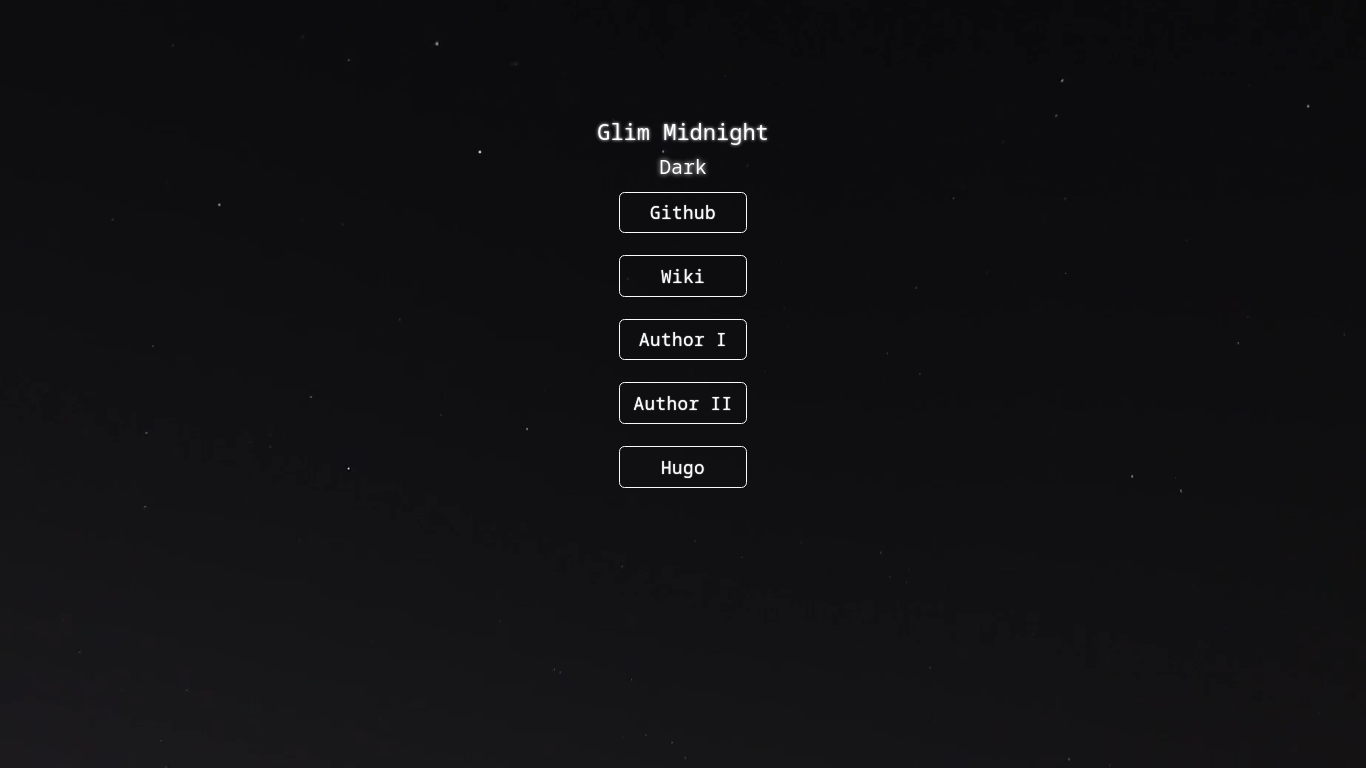
Minimal version of linktree or Hugo Lynx
Authors
Features
- Customizable
- Dark
- Bootstrap
- Light version (coming soon)
- SEO friendly
Wiki
Wiki page can be found here: https://github.com/mansoorbarri/glim-midnight/wiki
Setup
- Make a new hugo site
hugo new site {sitename}
- Clone the theme in themes folder
cd {sitename}
git clone <https://github.com/mansoorbarri/coming-soon.git> themes/coming-soon
or you can use submodule if you already have GitHub repository for your website
git init
git submodule add <https://github.com/mansoorbarri/glim-midnight.git> themes/glim-midnight
- Copy
examplesite/config.tomlfiles to yours for quick setup - Open
config.tomland edit as per your liking.
Config.toml
baseURL = "<http://glim-midnight.pages.dev>"
languageCode = "en-us"
theme = "glim-midnight"

[params]
    title = "Glim Midnight"
    phrases = ["Bootstrap", "Dark", "Minimal", "Responsive"]
    links = [
    {name = "Github", url = "<https://github.com/mansoorbarri/glim-midnight/"},
    {name = "Wiki", url = "/wiki"},
    {name = "Author I", url = "<https://maheenwaris.com/>"},
    {name = "Author II", url = "<https://mansoorbarri.com/>"},
    {name = "Hugo", url = "<https://gohugo.io/>"},
    ]
    background = "bg.mp4"
Variables you should/can change
baseURL: URL of your websitetitle: this title will be shown as tab name and as<h1>on this websitephrases: these are the words which are animated under the main titlelinks: these are the links you want to add, you have to mention the name & the url where the button will lead tobackground: this is the background of the webpage currently, the theme only supports video as a background.
the default location of the background is in /assets/, it is recommended to use the same folder for a custom background.
Things to note
- If you want to add your email in one as one of the links, add “mailto:” before the email address in
urlsomething like this:
{name = "Email", url = "<mailto:uname@example.com>"},
- the default location of the background is in
/assets/, it is recommended to use the same folder for a custom background.